Surprise link
Make a surprise link to send on WhatsApp
You send a link. They tap it. A page opens with their name, your photos and a little surprise. That’s it: no app for them to install, no account for you to make.
Start making it — freeFree · no sign-up · ready in 2 minutes
Short answer: Pick a template, make it yours, press “Create my page” and tap the WhatsApp button to send it.
- Price
- Free
- Sign-up
- Not needed
- Time
- About 2–5 minutes
- Templates
- 70+ designs
- Pages made
- 15,861
- Share by
- Link or QR code
Make and send your surprise link
- Pick a template. Choose one for the occasion.
- Make it yours. Words, photos, extras.
- Create the page. You get a short link and a QR code.
- Share on WhatsApp. Tap the WhatsApp button, or copy the link into any chat.
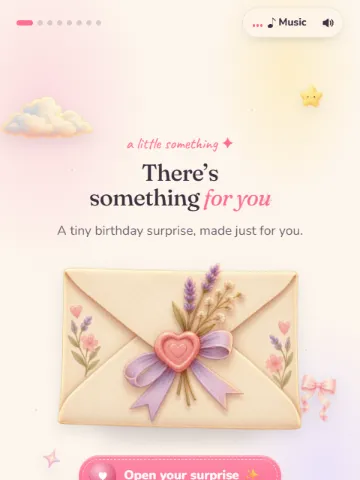
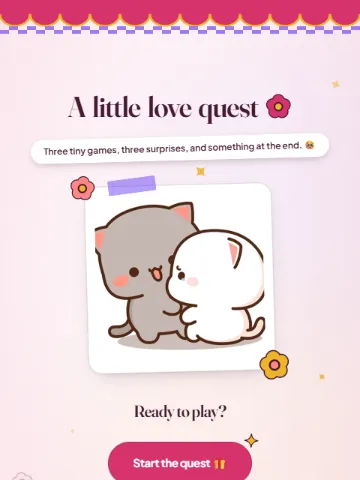
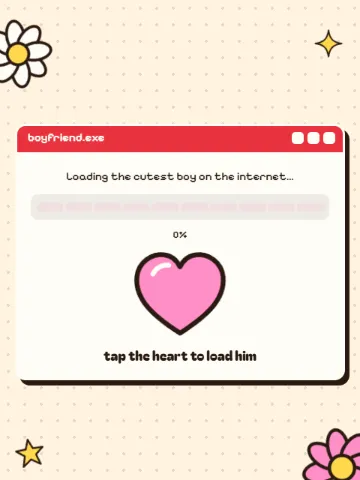
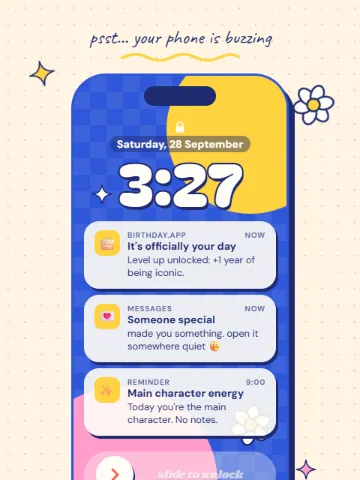
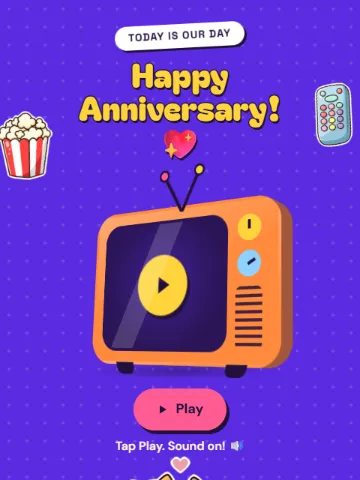
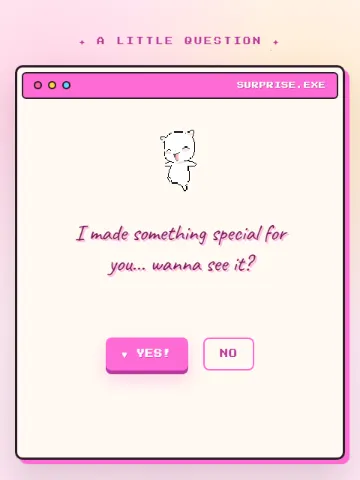
Templates to send


Tips for sending
- Add a teaser like “open this when you’re alone 👀”.
- Send it at midnight for birthdays.
- For couples far apart, send it during a call.
Questions people ask
Does the link expire?
No, the page stays up so they can open it again.
Does it work on iPhone and Android?
Yes, in any phone browser.
Make your page nowFree · no sign-up · ready in 2 minutes