Birthday website maker
Birthday website maker: make a birthday surprise page for free
Turn a “happy birthday” text into a page they will remember. Pick a birthday design, add your photos and wishes, and send one link. Free, made on your phone, ready in a few minutes.
Start making it — freeFree · no sign-up · ready in 2 minutes
- Price
- Free
- Sign-up
- Not needed
- Time
- About 2–5 minutes
- Templates
- 70+ designs
- Pages made
- 15,861
- Share by
- Link or QR code
Make a birthday website in 5 steps
- Choose a birthday design. Cute, dreamy, funny or romantic: open the one that feels like them.
- Write your wishes. Type over the sample text with a short letter, a memory, and what you wish for them this year.
- Add birthday photos. Upload pictures together, throwbacks, or their best selfies.
- Set a countdown or passcode. Some birthday templates count down to the day or open with a passcode like their birth date.
- Send it at 12. Create the page and send the link at midnight, or show the QR code with the cake.
Birthday templates
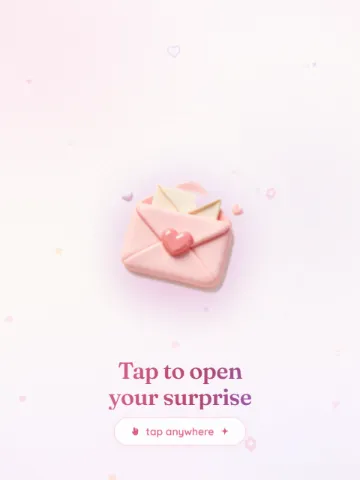
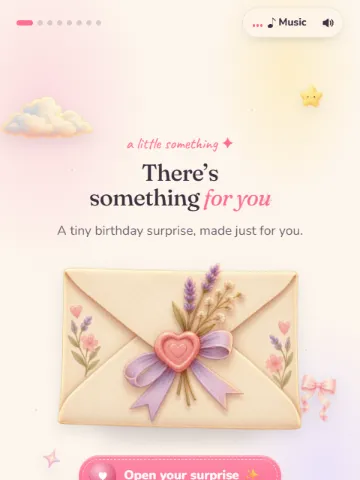
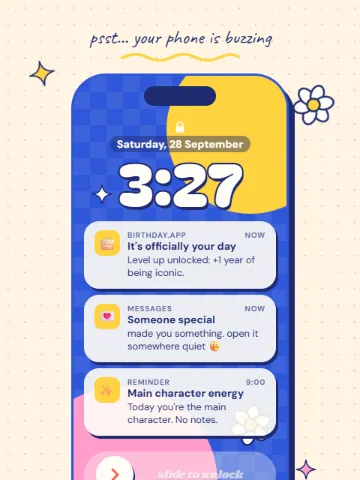

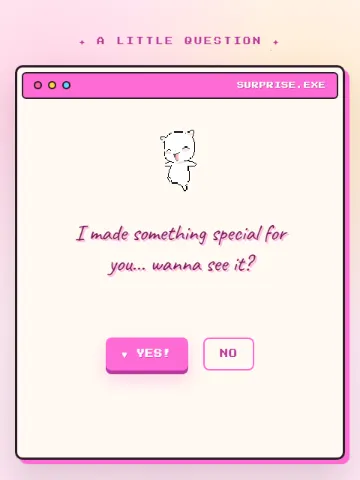
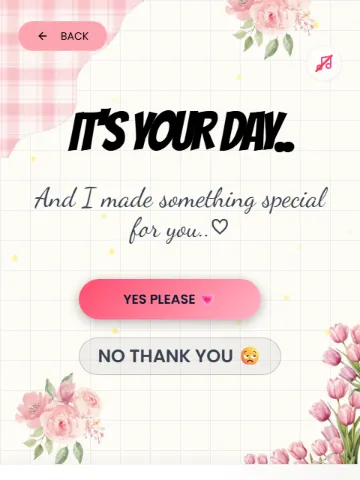
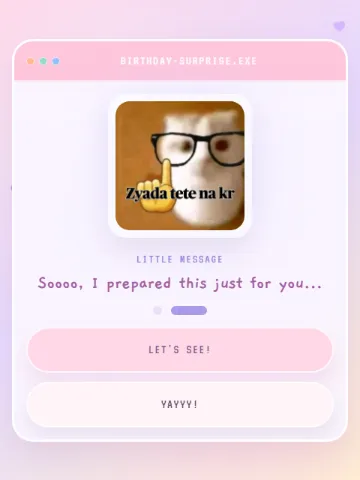
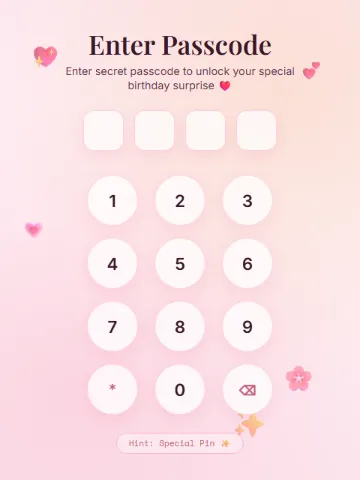
Birthday website ideas
- A cake they tap to blow out the candles
- A photo timeline from the year you met to now
- A letter that opens from an envelope
- A “reasons I love you” list for a partner
- Throwback photos and inside jokes for a best friend
- A gift box that opens to your message
For a girlfriend, boyfriend, friend or family
The same maker works for anyone. Romantic designs suit a partner, playful ones suit friends and siblings, and simple warm ones work for parents. Read the guides for a girlfriend, a boyfriend or a best friend.
Better than a card
A card gets read once. A birthday website plays music, shows your photos and keeps the letter safe behind a link they can open again on every birthday after.
Questions people ask
How do I make a birthday website for free?
Pick a birthday template on Meow Webpages, add your words and photos, and press “Create my page”. It is free and needs no sign-up.
Can I add a birthday song?
Many birthday templates play music, and some let you choose the song.
How long does it take?
Most people finish in about five minutes.
Can I schedule it for midnight?
The page is ready as soon as you create it; send the link at midnight yourself. Some templates also count down to the birthday.
Make your page nowFree · no sign-up · ready in 2 minutes