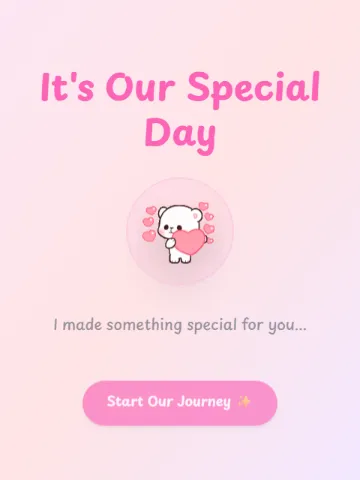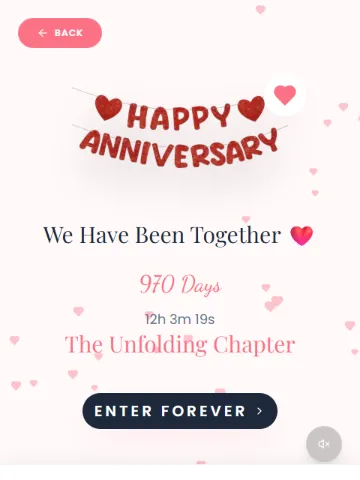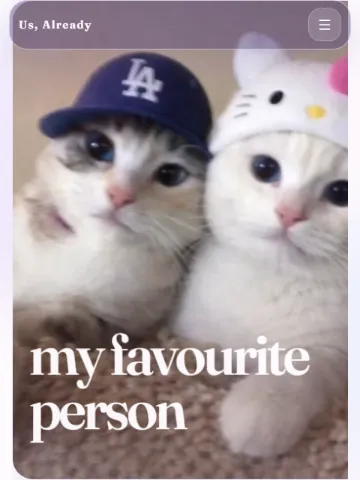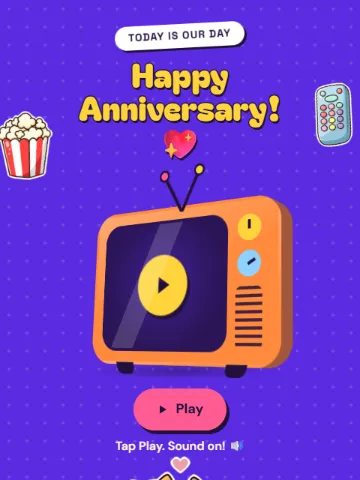
Anniversary website template
Anniversary
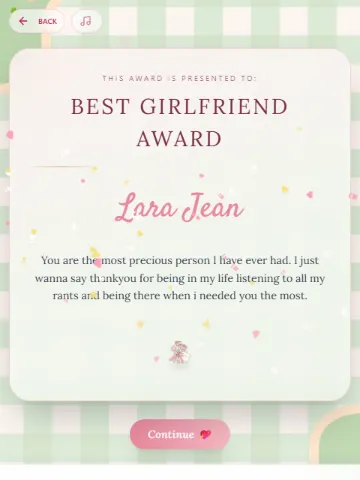
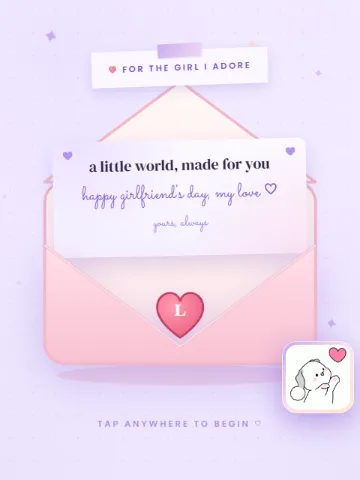
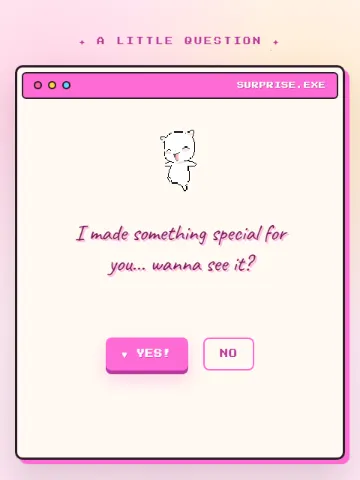
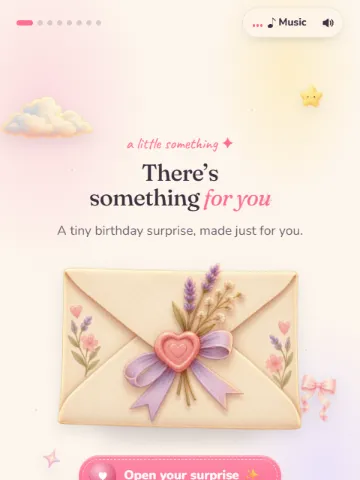
Anniversary is a free anniversary website template on Meow Webpages. It has room for 4 of your photos and plays music. Change every line to your own words and share it with one link.
- Your own words
- 4 photos of yours
- Music
- Free, no sign-up
What you can make your own
- Cover
- Together
- Previously
- Reasons
- Playlist
- Quiz
- Match
- Rate
- Finale
- 4 photos from your phone or computer
Words it starts with
The template comes with sample words like these. Every line can be replaced with your own.
And I loved every single day.
The best episodes so far. Tap to see them.
We talked for hours. The coffee got cold.
How to make it
- Open it. Tap “Make it yours”. Nothing to install, no account.
- Make it yours. Type over the sample words, add your photos. The preview updates as you go.
- Send it. Press “Create my page” and share the link on WhatsApp or Instagram, or show the QR code.
Ideas for what to write in Anniversary
- Write how you met and the moment you knew, in your own words.
- Count the years, months or days together and say what each stretch meant.
- End with a promise or a plan for the next year.
Want more ideas? Read Anniversary website ideas: make one for your partner.
Good to know
Is Anniversary free to use?
Yes. Making a page from Anniversary and sharing it is free, and you don’t need an account.
Can I add my own photos to Anniversary?
Yes. It has 4 photo spots, and each one can be swapped for a photo from your phone or computer.
How do I send it?
When you press “Create my page” you get a link, buttons for WhatsApp and Instagram, and a QR code. Only people with the link can open it.
Can I change the page after I make it?
Not yet. To change something, make a new page from the same template and send the new link.